Interactive Whiteboards and Software
This guide will take you through the calibration of the interactive boards found in most classrooms. (Calibration can only be done when connected to the board)
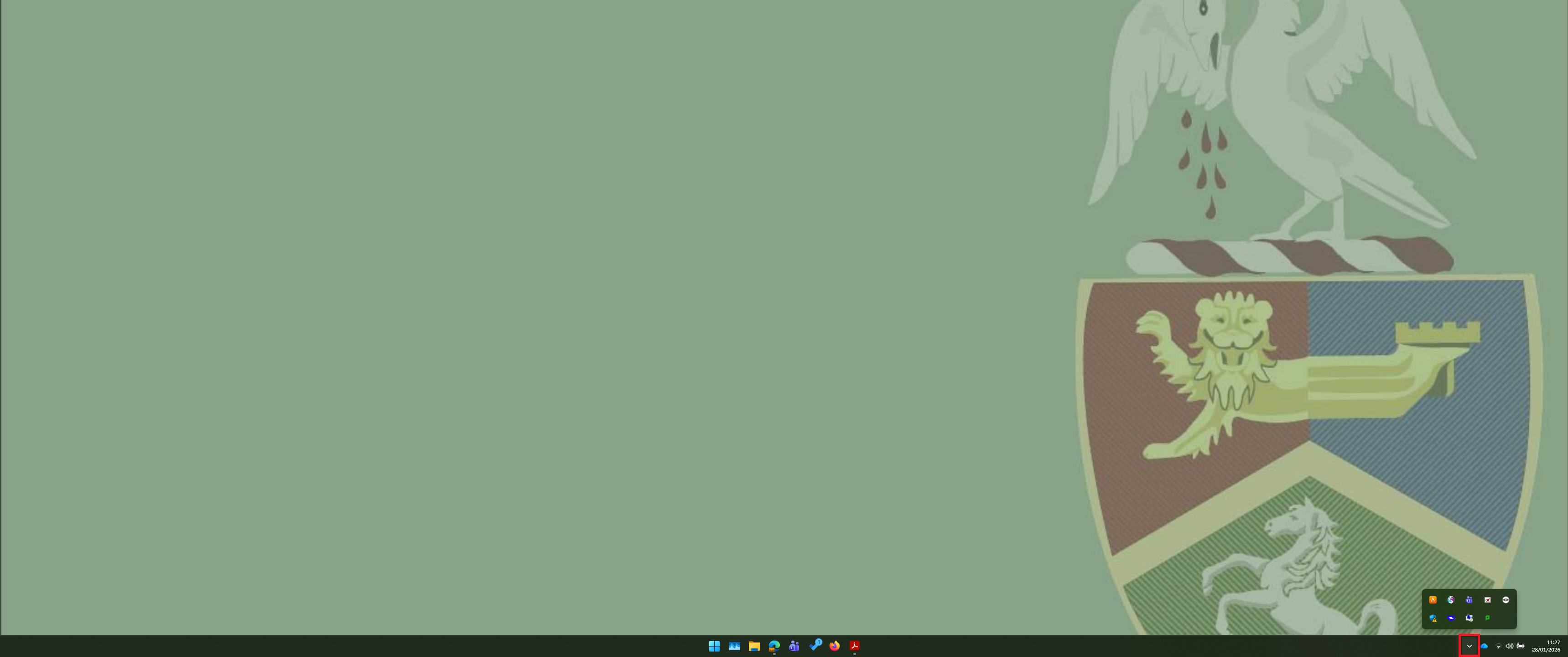
Firstly, locate the small upward pointing arrow in the bottom right of the screen. (Shown as pointing down in picture)
Then, you will need to locate the management software.
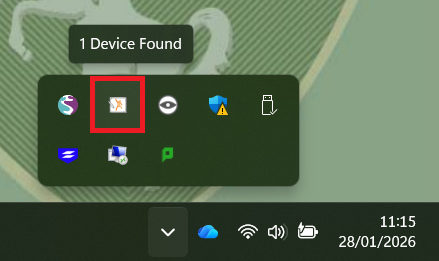
Click on the management software to open a menu where you will find the calibration tool.
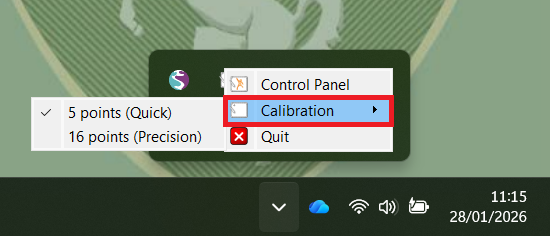
You will then be able to choose either 5 point or 16 point calibration. The 16 point calibration would be the best to choose to enable greater precision.
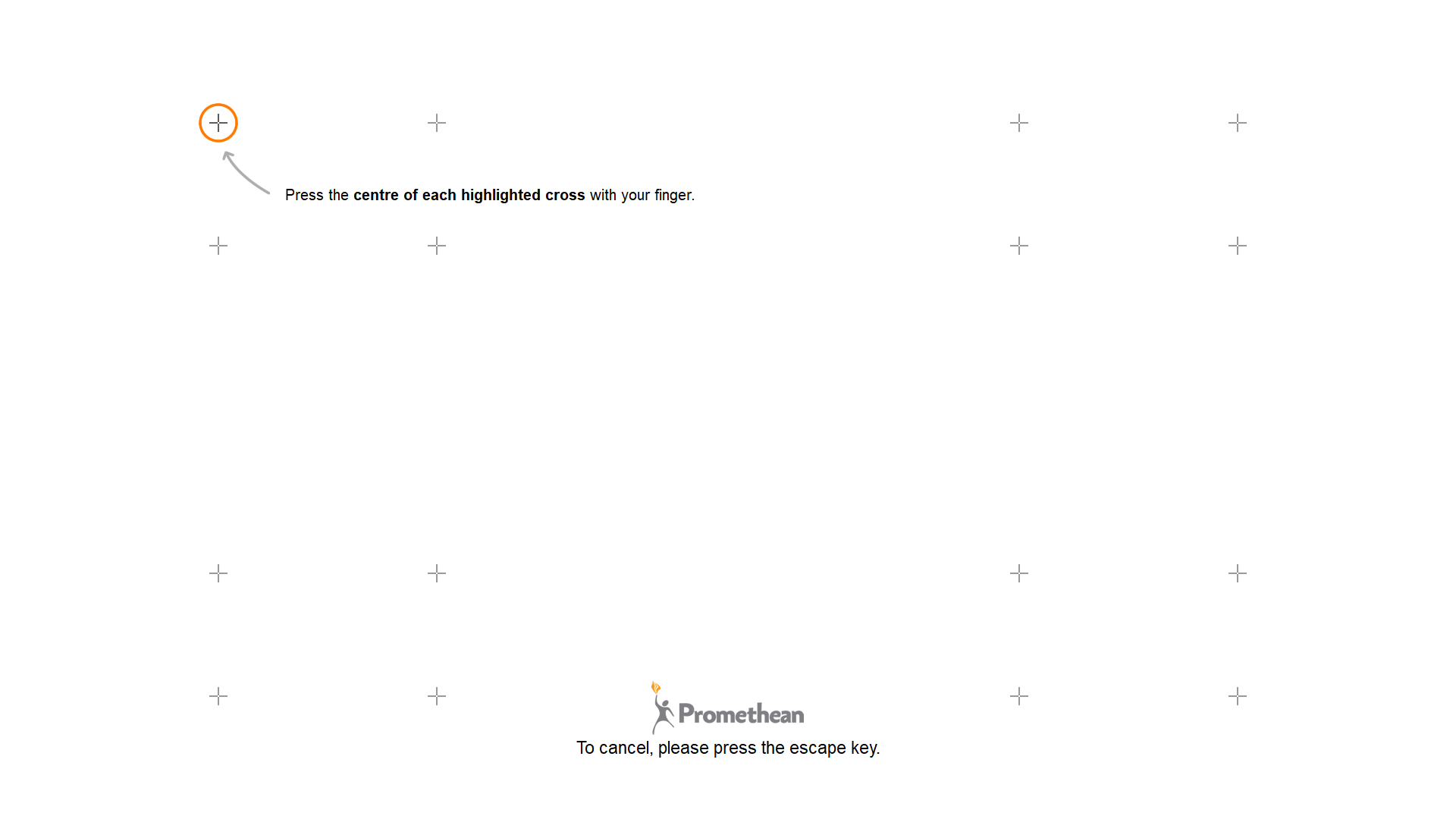
Using the pen to tap on each circle, when it is highlighted, will complete the calibration and the board will be ready to use.